Hide Your Contact Phone Numbers
GetThru offers a privacy setting that allows you to hide contact phone numbers from view in both ThruText and ThruTalk. This feature helps protect your contact data and provides admins with greater control over how information is displayed to users during outreach.
This guide explains what contact information is hidden, where it appears in the application, and how to request the feature for your account.
TABLE OF CONTENTS
Enabling this Feature
This feature can be added to your account at no extra cost. This feature will apply to all active and new campaigns once enabled. To enable this feature, please contact support@getthru.io and ask for the Redact Contact Information feature
Where Contact Phone Numbers Appear
GetThru displays contact phone numbers in the application by default. When this feature is enabled, contact phone numbers are hidden.
ThruText
In ThruText, contact phone numbers can be found in the admin messenger. The admin messenger can be accessed by anyone with moderator permission level or higher. Read more about permission levels here: Permission Levels.
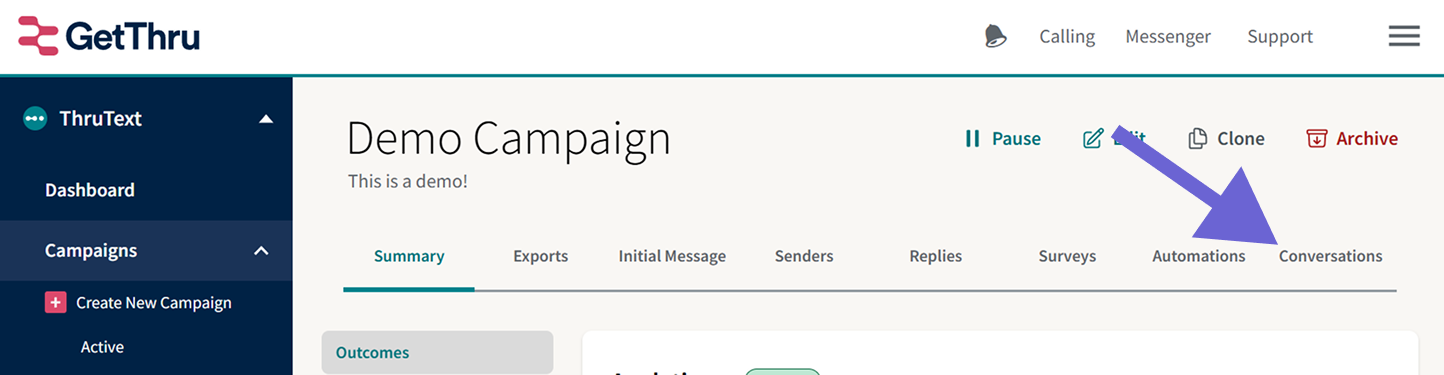
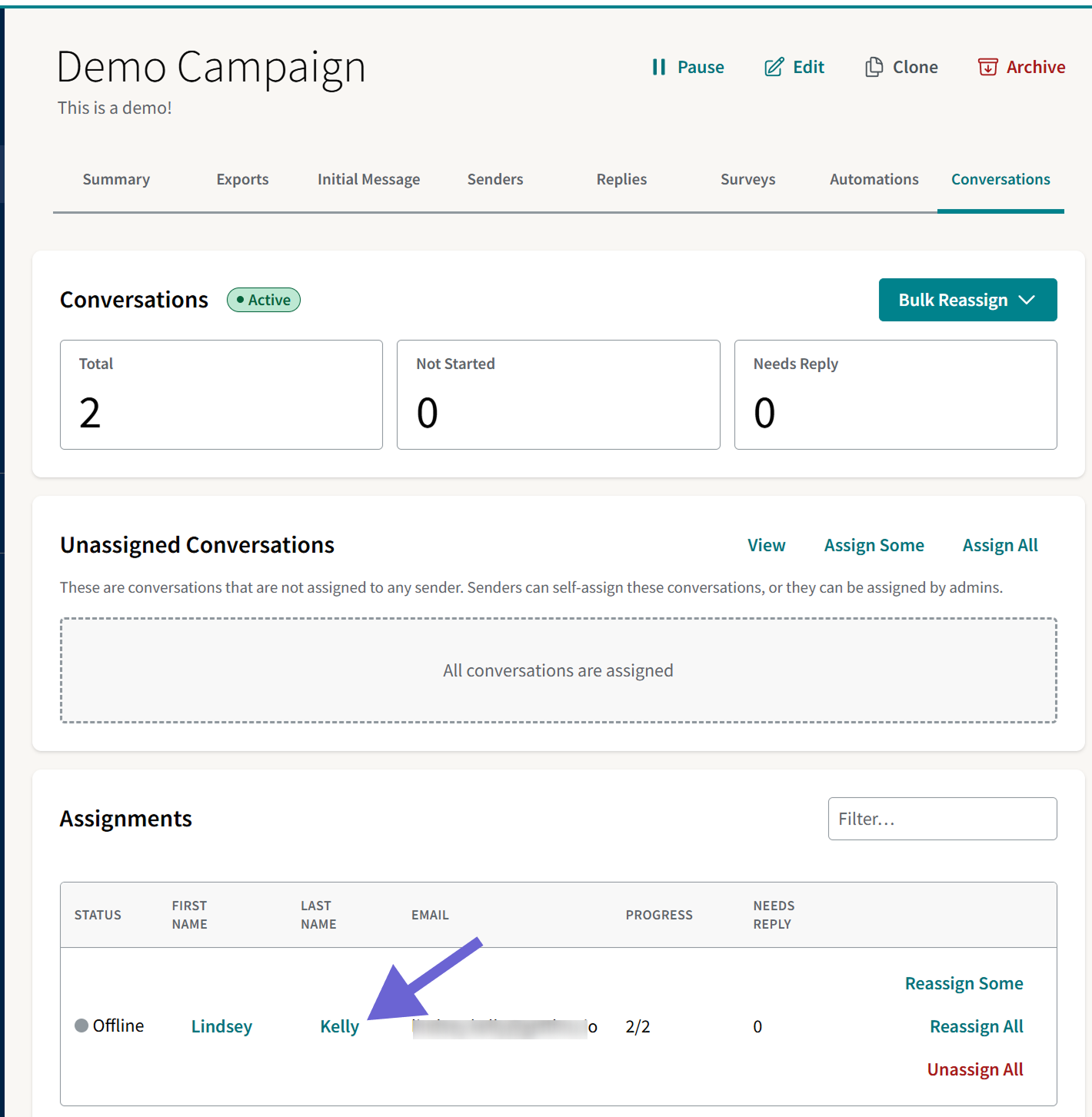
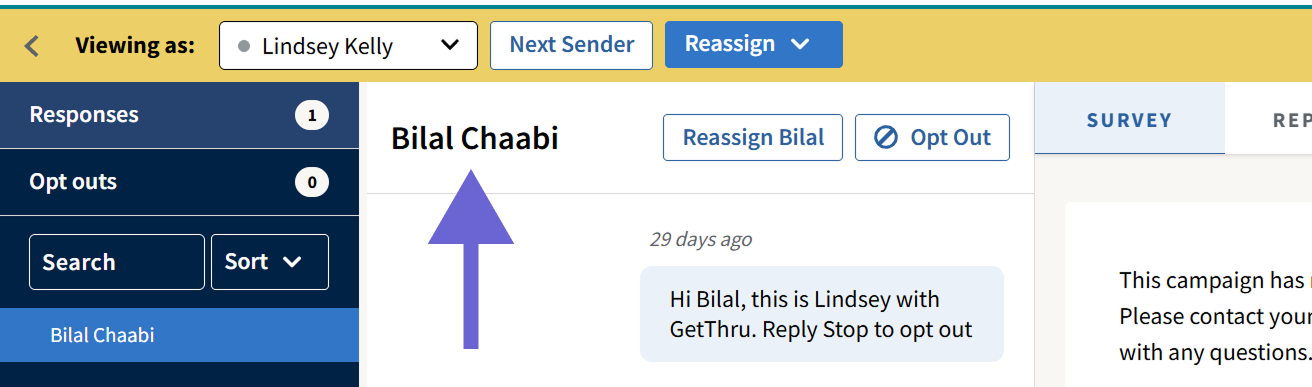
Access the admin messenger by going to the Campaign Summary page and clicking Conversations, and then clicking on a sender's name.
Here, you can see a contact's phone number next to their name.
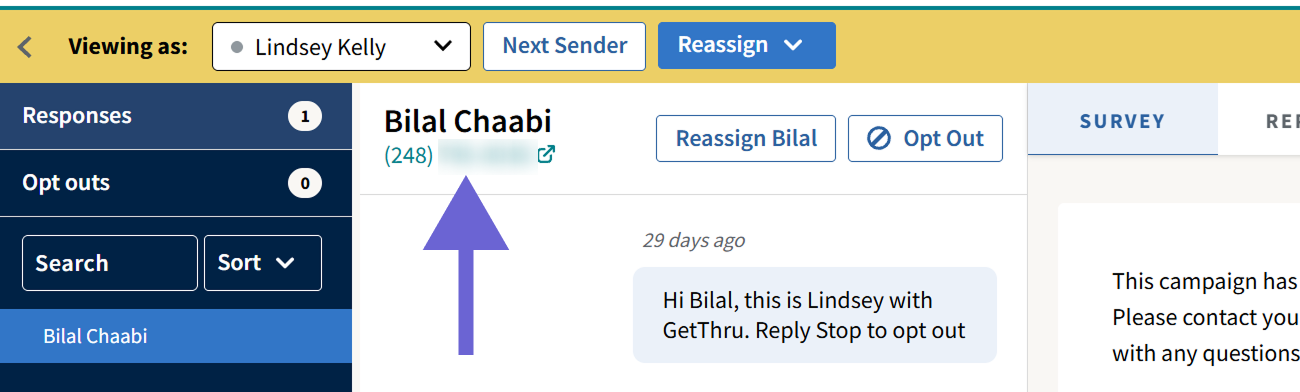
With the feature enabled, the phone number will be hidden.
ThruTalk
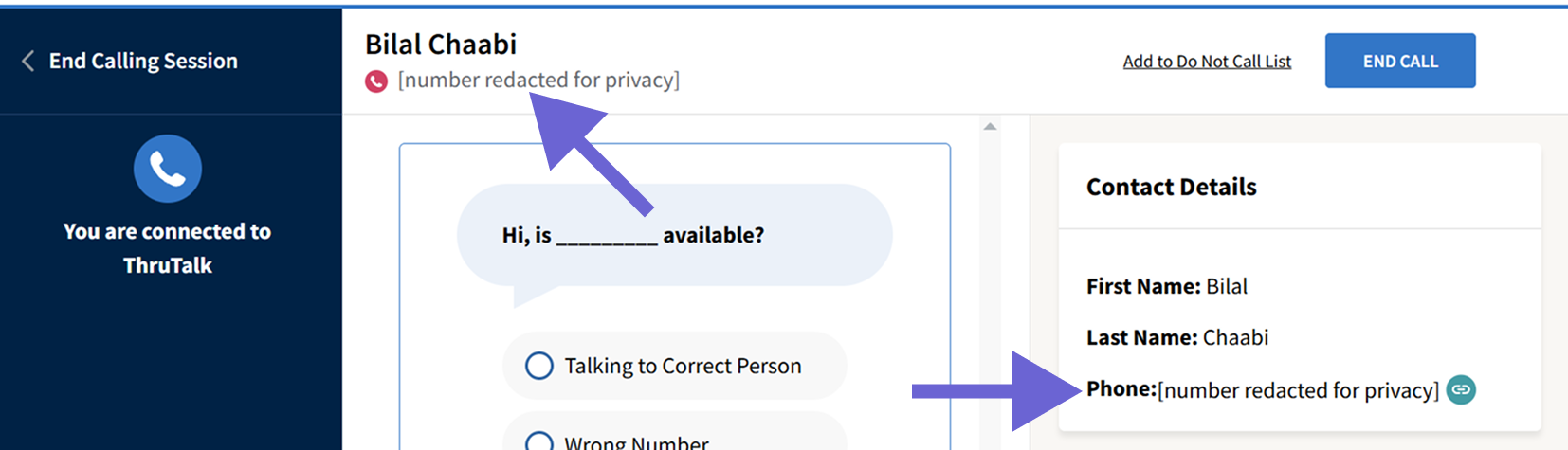
In ThruTalk, phone numbers can be found in the calling interface in an active assignment. This can be accessed by users of all permission levels.
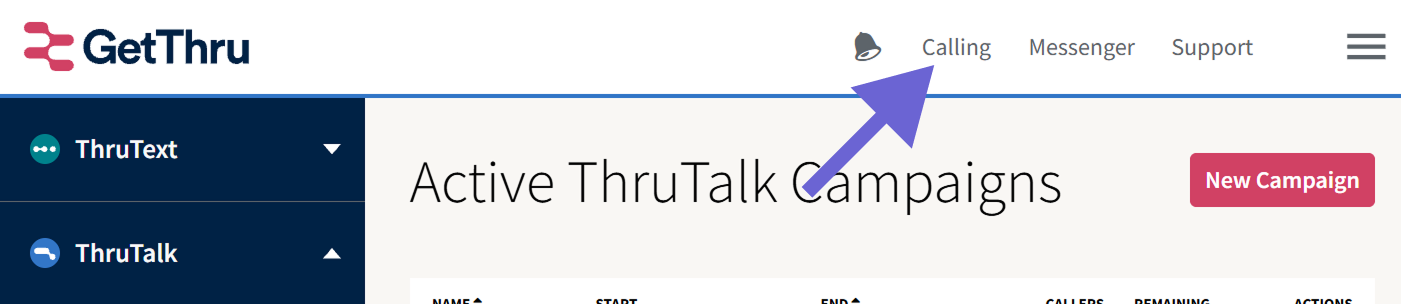
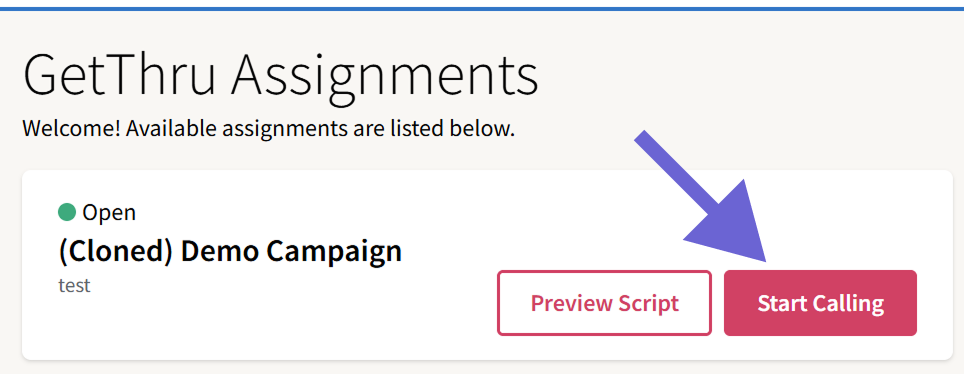
To access the caller interface, click Calling in the top right and then click on your assignment.
Once you've connected to a contact, you'll see their phone number in the calling interface.
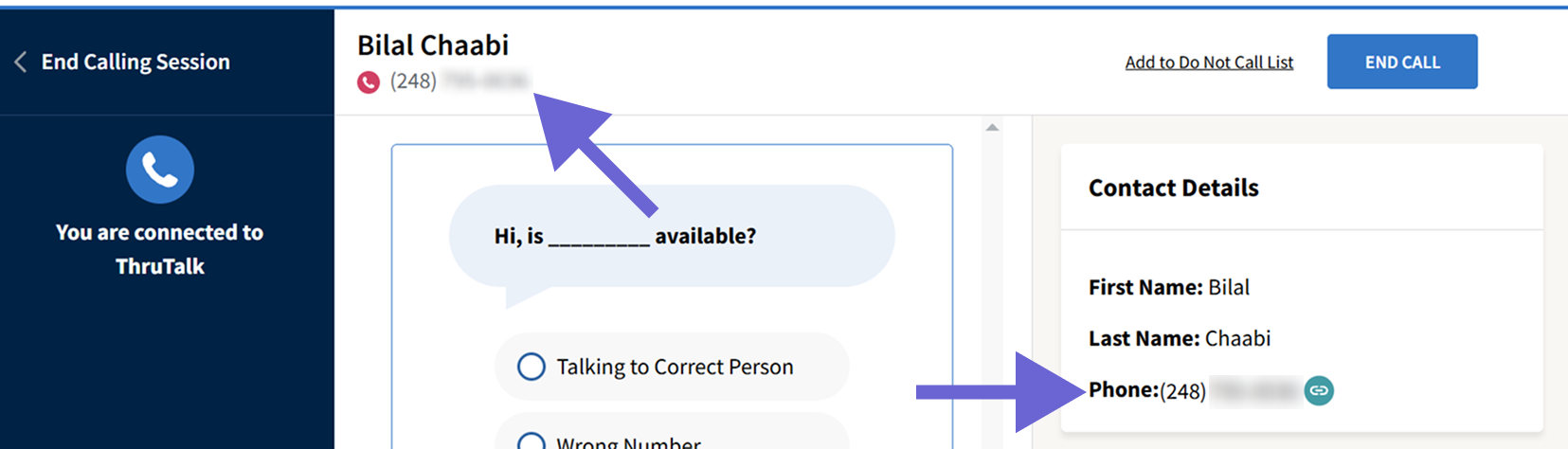
When enabled, the number will be redacted: